Thruday is not just a focus timer app. It helps you get more done with your day - Discover more

Focus timer sessions

A focus timer app to get more done each day

Start a focus session from a Todo, planned activity or standalone timer. Thruday keeps the current task and countdown in view, giving study, work and everyday tasks a clear block of time.

No credit card required - used by over 38,785 people
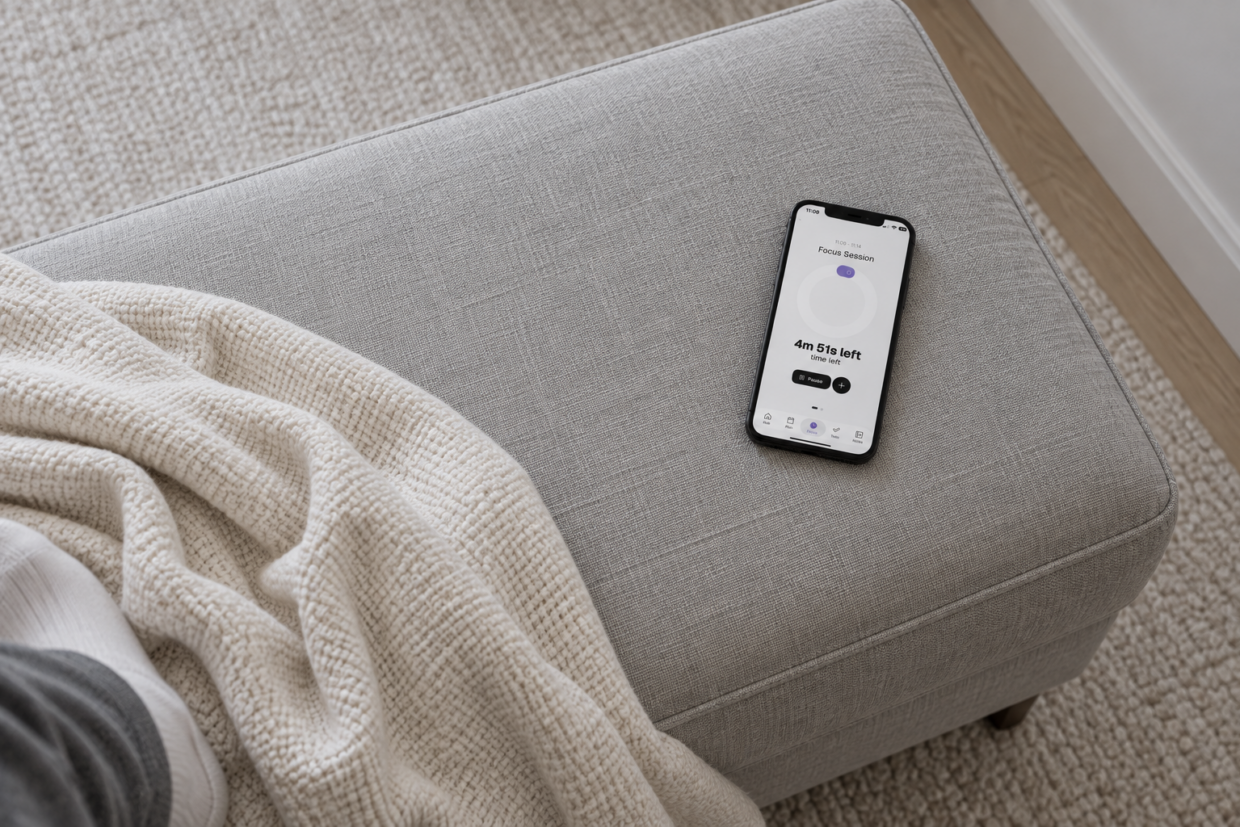
Phone displaying Thruday’s focus timer on a grey footstool beside a loosely draped throw
Having my schedule and tasks combined into one visual app has been a life saver at university allowing me to stay focused while still attending lectures
Focus without another timer app

Focus sessions that work around the way your day unfolds

Thruday is a productivity toolbox that enables you to get more done with focus timers and focus sessions. It was created by a neurodivergent-led team that understands that not everything goes to plan.

Focus without planning

Not every task starts in your schedule. Create a standalone focus session for unexpected work, reading, study or anything else that needs a clear block of attention right now.

Try standalone focus

Distraction-free timers

Focus stays simple around one task and its timer.

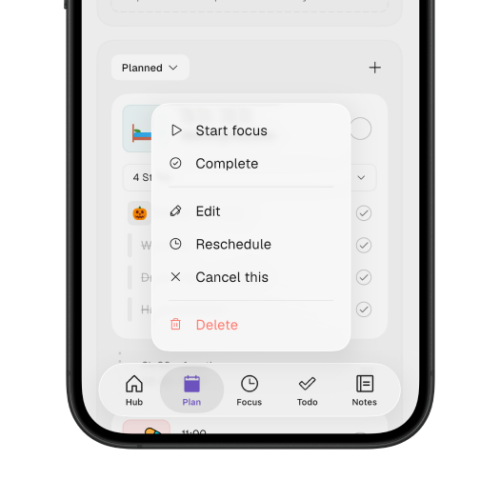
Thruday’s planned activity menu with the Start focus option

Start focus from existing tasks and activities

Open Focus from a Todo, an Anytime activity or a planned activity. Start early, give a loose task a timer or begin when the scheduled activity arrives, without recreating it in a separate timer app.

A focus session does not need to disconnect you from the rest of the day. Thruday gives one task a defined block of time and a simpler screen, while your wider plan stays ready in the background for when the timer ends and you are ready to move on.

Pause, rewind, extend

Pause, rewind or extend a focus session when the task takes longer, you need a break or the original timer no longer fits.

Try flexible focus timers

On iOS, Android and Web

Use focus timers, study sessions and timed work blocks across iOS, Android and Web.

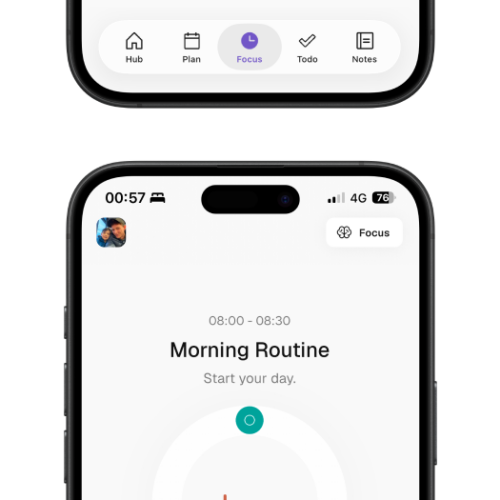
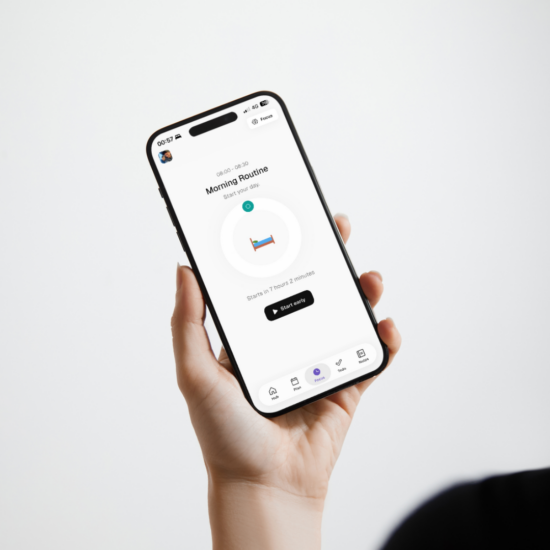
Thruday’s Morning Routine focus screen with a circular visual timer

Keep your focus and what comes next in view

During Focus, the active task and countdown stay central while the next planned activity remains visible. You can see the time remaining without bringing your entire schedule back into view.

Pick up where you left off

Focus timers that travel with you on the go

Start a focus timer at your desk, check how much time is left while you’re away from your phone and come back to the same task without setting the session up again.

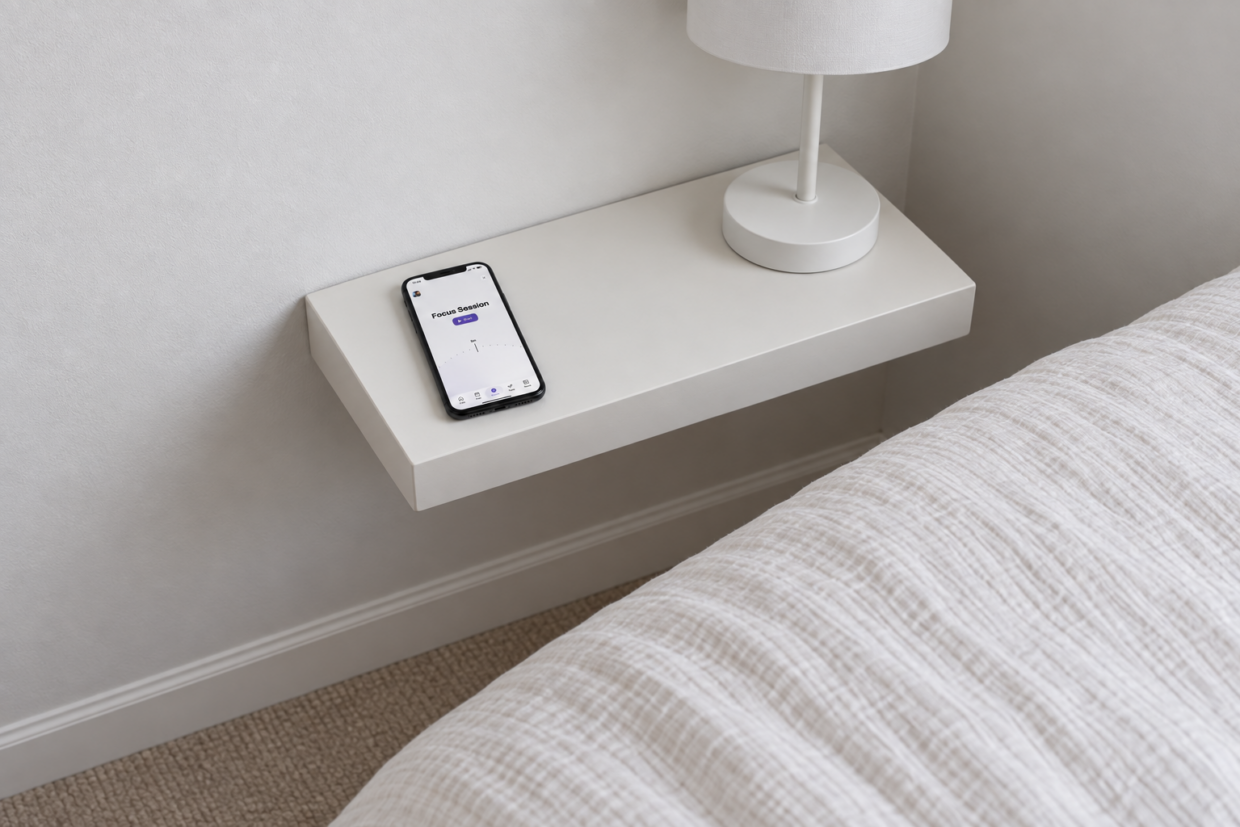
Phone displaying Thruday’s focus session setup on a white bedside shelf beside a lamp
Where focus starts

A focus toolkit that turns time into success

That flexibility is the point. You may be following the schedule, starting something early, picking up a loose task or sitting down to study with no need to add anything to the planner first. Focus works from each of those starting points.

Current task stays central

Keep the activity you are working on in view so the session stays anchored to one clear task.

Countdown stays visible

See the time remaining throughout the session without opening another timer or bringing back your full schedule.

Next plan stays in view

Keep the next planned activity visible so you know what follows when the current focus block ends.

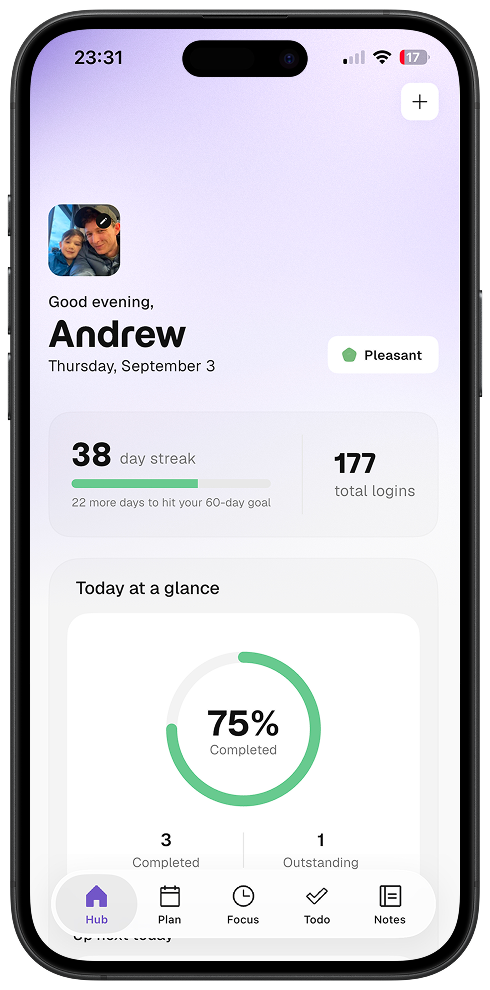
Thruday Hub showing a Pleasant mood, a 38-day streak and 75 percent of daily activities completed

Pause when interrupted

Pause the session when something pulls you away, then continue when you are ready to return.

Rewind when you need it

Move the countdown back with rewind when you need to recover time without starting a new focus session.

Extend work that runs long

Add more time when the task needs longer than expected while keeping the same activity in Focus.

People use Thruday to keep planning and focus in one place

More than 38,000 people use Thruday across work, study and everyday planning. The reviews below reflect the wider app, where Focus sits alongside tasks, schedules and reminders.

Thruday makes it really easy to plan my schedule. It’s visual, easy to use and flexible enough that it helps me at university, at work and during the day.

Harold Belozy

Fantastic app which is so easy to use. It keeps me organised and on schedule which is more than other apps have managed to do so far. Would highly recommend it to others who struggle to remember things. It has changed my life!

Zennor97

If you have issues with remembering, scheduling etc then this app is for you. It’s almost like having a personal assistant in your pocket! To have the ability to keep notes, checklists, my schedule, appointments etc all in one place has been a godsend with reminders and alerts to give me that ‘nudge’ I often need!

Hayziie

I’ve never been good in being productive and organised and had to use different things which made it even worse. Having an app where I got my notes, checklists, reminders and help from my partner to manage it has changed me, reeled in a promotion at work and I feel so much less stressed. Would highly recommend to anyone who is neurodivergent and struggling.

Addie User

My experience with Thruday so far has exceeded expectations! If you are looking for some extra help with organising your day and your life, then look no further. Will be using this App and it’s great features for the foreseeable!

Beckyc1194

Why a defined focus block helps

Give one task a clearer beginning, middle and end

A focus timer does more than count down. It gives one task a visible boundary, keeps competing plans out of the way and shows the time remaining, so you can work from a smaller piece of the day.

Person holding a phone showing Thruday’s Morning Routine focus screen with the option to start early

Thruday makes starting feel easier

A vague task can feel bigger than the work itself. Giving it a defined focus session turns “work on this” into a smaller commitment with a visible end point, whether you choose a short Pomodoro-style block or a longer stretch of time.
Try a focus timer
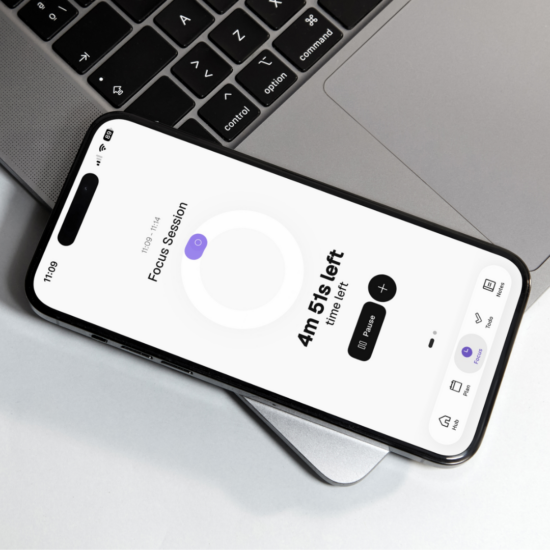
Phone resting on a laptop showing Thruday’s focus timer with 4 minutes 51 seconds remaining

Reduce what competes for your attention

When everything is competing at once, deciding what deserves attention can become part of the work. A defined focus block narrows that decision to one task, giving other plans a clear time to wait while you work through what is in front of you.

Try distraction-free Focus
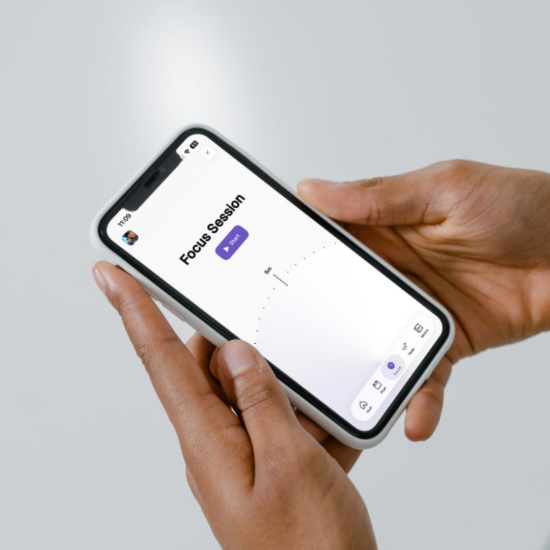
Hands holding a phone displaying Thruday’s focus session setup with a duration selector and Start button

Give the session a clear end point

Knowing the block has an end can make a task feel more contained. The countdown gives you a reference for pacing the session and deciding whether to stop, pause or extend as the session approaches its end.

Try a timed focus session
Where focus timers help

Flexible focus timers for study, work and everyday tasks

Use Thruday Focus for study, work, housework, personal admin or creative tasks. Start a standalone focus timer or open Focus from something already in your day when a defined block of time would help.
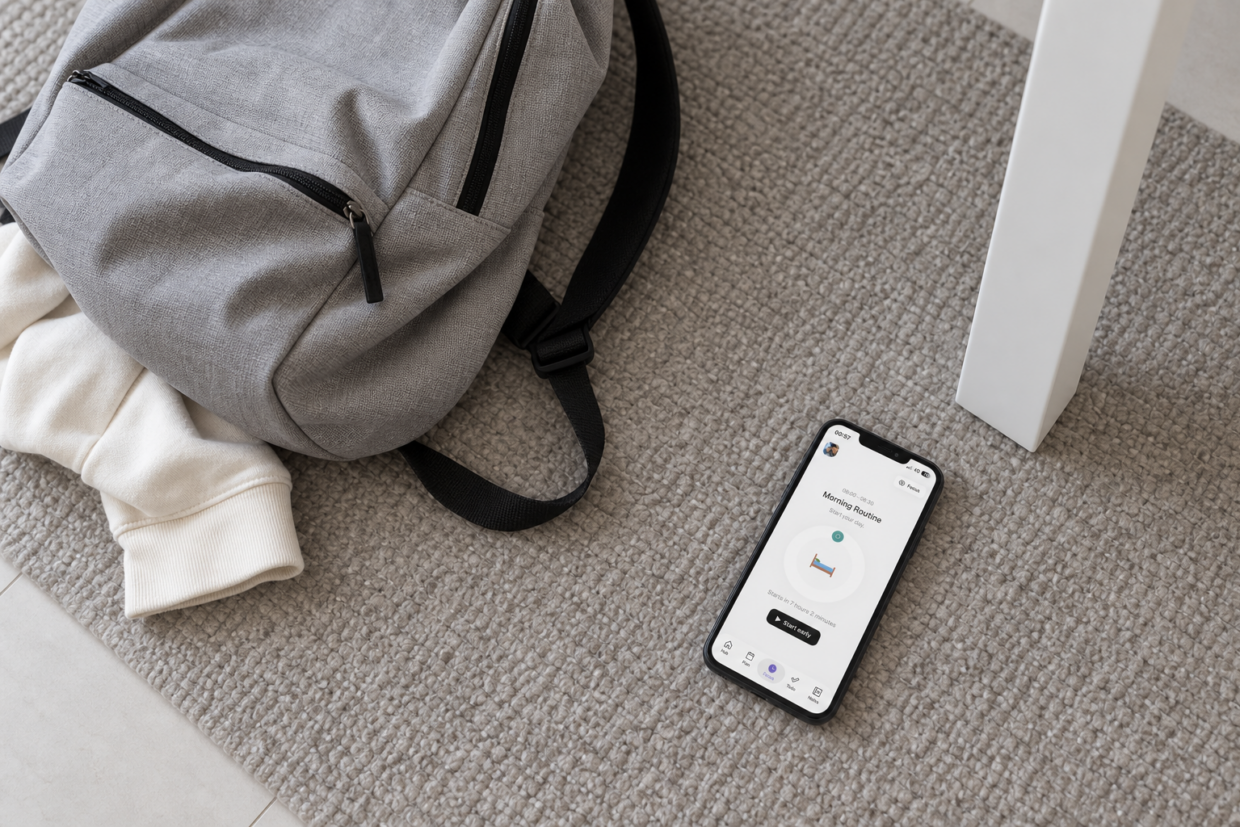
Phone displaying Thruday’s upcoming activity beside a canvas backpack on a pale rug

Study sessions

Use a study timer for reading, review or assignments, choosing a short Pomodoro-style block or a longer focus session to match the work.

While at work

Use a work timer for reports, emails or deep work, keeping one task visible while the rest of your workday stays out of the way.

Around the house

Set a timer for chores, cleaning or household jobs when a clear block of time helps you stay with one task until the session ends.

Learning new skills

Use a focus session for practice, tutorials or self-study, giving a new skill a defined period of attention without restructuring the rest of your day.

Reading & creative

Set aside a timed block for reading, writing or creative work when you want one project in view and the rest of your plans outside the session.

Personal admin

Use a standalone focus timer for forms, emails, calls or other personal admin when several small jobs need a clear starting point.

Still have questions?

The FAQs cover the practical differences between planned, task-based and standalone Focus Sessions, including starting early and using Thruday for Pomodoro-style or study timer sessions.

What features are included for free in the Thruday app?

Thruday includes a strong free set of daily planning features, including visual daily planning, priority to-do lists, reminders and notifications, thousands of images and colors, and breathing exercises. An optional subscription unlocks advanced mood analytics, custom categories, journaling, more customization, calendar sync, and future premium features.

How does Thruday support daily executive function?

Thruday supports daily executive function with visual timelines, reminders, task structure, and tools that make it easier to start tasks, move between activities, and stay grounded through the day. It is designed to reduce friction around planning, transitions, and follow-through, while also supporting emotional awareness and wellbeing.

How does visual planning help neurodivergent people with daily life?

Visual planning can make the day easier to understand at a glance. Thruday uses visual structure, routines, reminders and flexible planning tools to help reduce task and time blindness, support calmer transitions and make daily plans easier to follow.

How do notifications improve time awareness?

Consistent reminders and in-app alerts can make it easier to notice the flow of the day and stay connected to what is coming next. Over time, that can help build better time awareness and reduce the mental effort of trying to keep track of everything without support.

How does Thruday help you prioritize tasks?

Thruday helps you prioritize tasks by making it easier to see what matters now, what can wait, and what belongs later. Clear task structure, visual planning, and simple priority tools help you stay focused without making the day feel rigid.

Can I reschedule appointments and plans without starting over?

Yes. Thruday is built for flexible daily planning, so you can reschedule appointments, move tasks, and adjust the day without rebuilding everything from scratch. That makes it easier to stay on track when real life shifts.

Can I use Thruday for routine planning?

Yes. Thruday supports your daily agenda and routine planning with flexible structures that help you build repeatable parts of the day without forcing a rigid system. You can create routines, adjust them when needed, and keep them useful in real life.

Does Thruday support brain dumping and planning later?

Yes. Thruday gives you a place to quickly capture ideas, reminders, and loose tasks before they disappear. You can brain dump first, then come back and turn everything into a clearer plan when you are ready.

Does Thruday have advertising in the app?

No. Thruday is designed to be distraction-free, and we do not include advertising in the app. We are committed to keeping the core planning experience free without ads.

Is my data and privacy safe and secure with Thruday?

We take privacy and security seriously and use strict measures to protect your data. We do not sell your data to third parties. We do use limited anonymous data to help the app run reliably, and you can read more in our privacy policy.

Where can I download Thruday?

You can download Thruday on Apple and Android devices through the Apple App Store and Google Play. Thruday is also available on the web for free.

How much does it cost to use Thruday?

Thruday includes free visual planning and to-do list features, with no credit card required to get started. Optional premium subscriptions unlock extra features, but you can begin planning, building routines, and organizing tasks for free.

Focus timers for everyday tasks

Getting more done is a focus session away

Open a task in Focus, choose the time and work from a screen built around what is happening now. The rest of your day is still there when you are ready for it.

No credit card required - used by over 38,785 people
Designed for different ways of thinking and planning
  • ADHD
  • Autism
  • AuDHD
  • Epilepsy
  • Dyslexia
  • Executive Dysfunction